We accept donations only from bank accounts maintained in India.
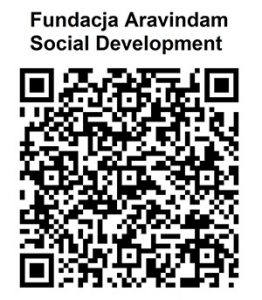
For donations above ₹2,000: Please use another mobile phone to display the QR code. Scan the QR code using your mobile phone to complete the donation.
Alternatively, you may save or photograph the QR code and send it to another mobile phone via WhatsApp. You can then scan the QR code using your phone to proceed with the donation.
If you are accessing this page on a mobile device: Please display the QR code on another device, or save the QR code and scan it using your mobile phone to complete your donation.
Bank Account Details
Account Name: Fundacja Aravindam Social Development